Ask a plumber where he ranks on Google Maps and he will give you one number, usually the one he saw from his own phone, in his own driveway. That number is the least useful number in his marketing. His customers search from forty different neighborhoods, and his ranking is different in every one of them.
Geo-grid tracking is how you see the real picture. The tool runs the same search from dozens of points arranged in a grid across your service area and plots your ranking at each point on a color-coded map. Green where you dominate, red where you are invisible. For a service-area trade with a hidden address and a 30-mile polygon, this is the only honest way to answer "where do I actually rank." This guide is the setup and the reading of it. It is not a tool comparison, tools show up below only as named examples in the steps.
On This Page
- Why a single ranking number lies
- How a geo-grid scan actually works
- Step 1: pick the money keywords
- Step 2: size and center the grid on towns, not radius
- Step 3: set the cadence and keep it consistent
- Step 4: read the map as zones, not averages
- Step 5: the fix loop, weak zone to booked jobs
- Honest caveats: what grids cannot tell you
- FAQ
Why A Single Ranking Number Lies
Google's own local ranking guidance names distance as one of three core signals, alongside relevance and prominence. Distance is measured from the searcher to your business, which means the ranking is recomputed for every searcher location. One number cannot describe that. It is like reporting the temperature of a state as a single degree.
The self-search is worse than useless because it is systematically flattering. You search from next to your pin, with your search history full of your own business, often logged in. Google shows you your ceiling. The homeowner eight miles away with no history sees your floor. Search Engine Land's proximity-bias walkthrough demonstrates this on real grid maps: the same business can be #3 at its own location and #39 a short drive away. Our location-variance explainer covers why this happens, especially for trades with hidden addresses.
The business consequence is misallocated effort. Owners who think they rank #1 everywhere invest nothing, while their phones stay quiet in half the service area. Owners who think they rank #20 everywhere panic and rebuild things that were working. The grid replaces both fantasies with a map.
How A GEO-Grid Scan Actually Works
The mechanics are simple. You pick a keyword, a center point, a grid size, and a spacing between points. The tool performs the Google Maps search from each point as if a customer were standing there, records where your business ranks at that point, and colors each dot: green for top 3, yellow for 4 to 10, red for worse. A 5 by 5 grid gives you 25 data points. Larger grids give more detail at more cost.
What you are looking at is a coverage map, not a score. The useful read is not the average position across all points, though tools report it. The useful read is the shape: where does the green hold, where does it break, and who is green in the places where you are red. That shape is your visibility territory, and expanding it is the entire game.
A standard 5 by 5 grid scan: 25 searches from 25 locations, one heatmap. The minimum setup that shows you the real shape of your visibility.
Step 1: Pick The Money Keywords
Track four to six keywords, no more. Grids multiply cost by keyword, and a dozen tracked terms produce a report nobody reads. Pick two buckets:
- Two or three emergency terms: "emergency plumber," "24 hour AC repair," "emergency electrician." These show where you win the urgent calls that pay the bills this week.
- Two or three install terms: "roof replacement," "furnace installation," "water heater installation." These show where you win the five-figure jobs that pay the bills this quarter.
Use the phrasing customers actually type, not your internal service names. Nobody searches "hydronic heating system retrofit." They search "furnace repair." And keep branded terms out of the grid. Your business name will rank #1 everywhere and tell you nothing.
Step 2: Size And Center The Grid On Towns, Not Radius
The default mistake is centering a big circular grid on your shop and calling it a service area. Your service area is not a circle. It is an irregular polygon of towns where the jobs actually come from, with dead zones, highways, and competitors' strongholds inside it. Center and size the grid to cover the towns, not the radius.
- List the towns that produce 80 percent of revenue. Five to eight towns is typical for a single-location trade.
- Center the grid on the middle of that town cluster, not on your shop. If your shop sits at the edge of the cluster, a shop-centered grid wastes half its points on territory you will never serve.
- Size it so the grid edges land just past your furthest real jobs, roughly a 15 to 25 mile span for most suburban trades. Points beyond your honest service range measure fantasy.
- Use spacing that puts points inside each town, not between them. Two to three mile spacing on a 5 by 5 grid is the usual starting point.
- Run the same setup every time. Same keywords, same center, same size, same spacing. A grid you keep changing is a story you keep rewriting.
Named examples for the setup: BrightLocal's Local Search Grid, Whitespark's grid tracker, and GBPly's free rank checker all run this same 5 by 5 pattern. The mechanics are commoditized now. What differs is whether you act on the output, which is what the rest of this guide is for.
Step 3: Set The Cadence And Keep It Consistent
Run the scan weekly. Daily is noise, map rankings breathe day to day and you will chase ghosts. Monthly is too slow, a competitor's surge or a sudden visibility drop sits unnoticed for weeks while the phones quiet down. Weekly gives you trend lines you can trust.
Save every scan. The value of grid tracking compounds over time: one scan is a snapshot, twelve scans is a territory map with a direction of travel. When you can show that your green zone expanded two towns outward over a quarter, you know the work is working. When a red zone suddenly goes green for a competitor, you have an early warning instead of a quarterly surprise.
Step 4: Read The Map As Zones, Not Averages
Open the heatmap and divide it into zones. The typical pattern for a single-location trade looks like this:
- The home zone: green around your location. This is proximity doing the work. Protect it, but do not spend effort expanding what distance already gives you.
- The contested ring: yellow at mid-distance, where you trade places with competitors week to week. This is where effort pays fastest, because small prominence gains flip yellow dots green.
- The dead zone: red at the far towns, where a local competitor owns the proximity advantage. This is where you decide deliberately: invest to compete, or concede the town and double down where you can win.
Read each zone as share of top-3 points, not average position. "We hold top 3 at 60 percent of points in the north cluster, up from 40 percent last quarter" is a decision-grade metric. An average position of 6.4 across the grid is trivia. And always check who is green where you are red. The grid names the competitor beating you in each zone, which tells you exactly whose prominence you have to match there.
Step 5: The Fix Loop, Weak Zone To Booked Jobs
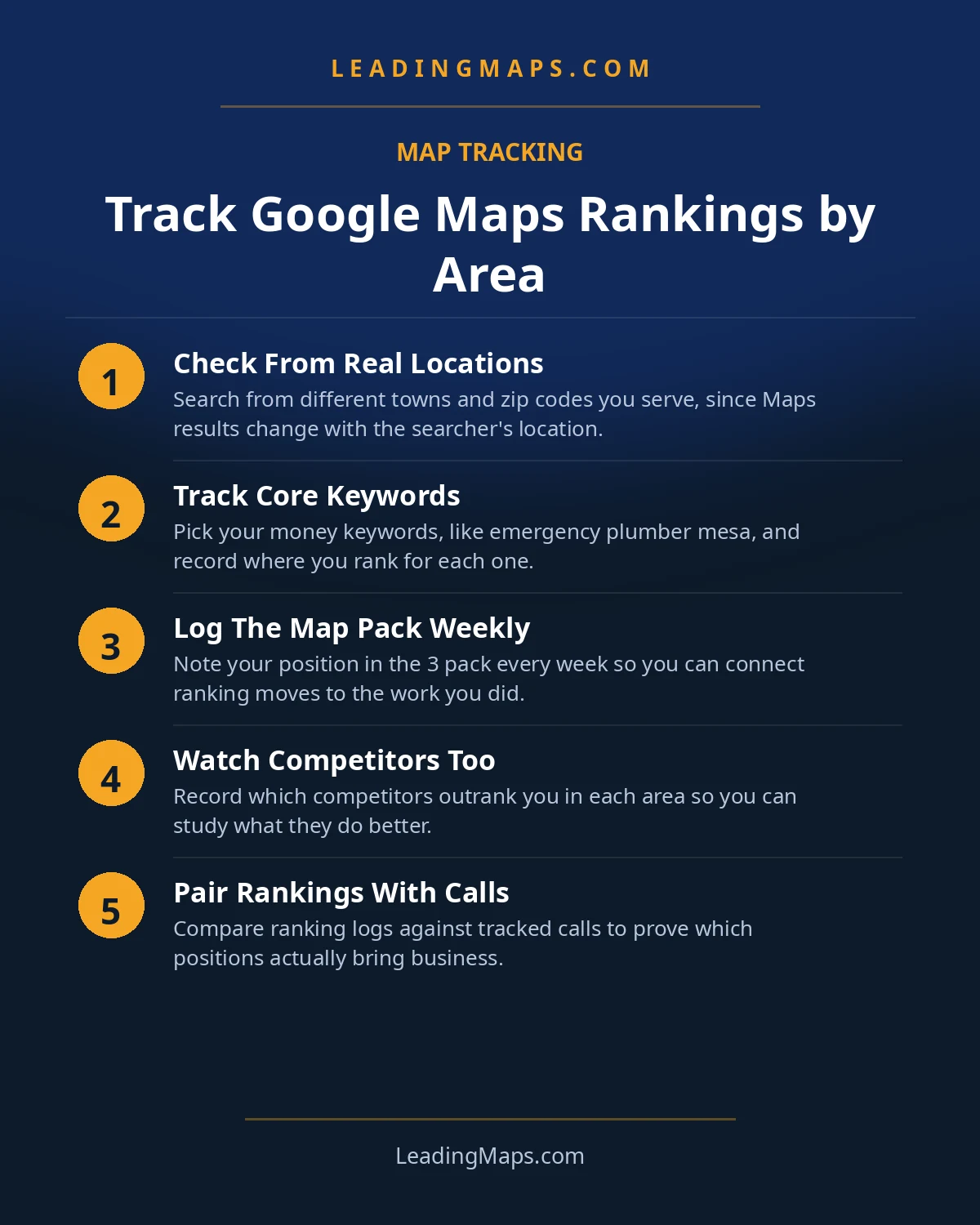
A grid that does not change what you do is an expensive screensaver. Every weak zone should trigger a diagnosis and a specific action:
- Weak zone, thin relevance: you have no town page, no reviews mentioning that town, no photos from jobs there. Fix: build the town page with real local content, steer review requests to customers in that town, upload job photos geotagged there.
- Weak zone, prominence gap: a local competitor has the reviews and links. Fix: a sustained review campaign aimed at that town plus local link building, sponsorships, chamber, local suppliers, that puts your name on that town's web.
- Weak zone, entrenched incumbent: the gap is years wide. Fix: consider conceding the generic keyword there and competing on specialty terms where relevance travels further, while you build for the long game.
- Re-scan after 30 to 60 days and compare the same zone. If the dots moved, the action worked. If they did not, the diagnosis was wrong, not the effort.
This is the loop that separates tracking from trivia: scan, zone, diagnose, act, re-scan. Run it quarterly per zone and your territory map becomes a growth plan instead of a report.
Honest Caveats: What Grids Cannot Tell You
Two limitations, stated plainly so you do not over-trust the tool. First, a grid scan is a snapshot of Google Maps at one moment. Rankings breathe, competitors act, and a single scan can catch you on a good or bad day. That is why the cadence matters more than any individual scan.
Second, grids measure Google Maps only. They cannot tell you whether ChatGPT, Gemini, or Perplexity recommend your business, because AI answers are not computed from map pins. A business can hold a green grid and still be invisible to the growing share of homeowners who ask an AI assistant instead of opening Maps. Run the AI test separately: ask the assistants your money questions the way a homeowner would, and see who gets named. Our AI search guide has the ten-query test, and our AI-search optimization service exists because the grid only covers half the battlefield now.
Rank Tracking Questions, Answered.
Geo-grid tracking runs the same Google Maps search from many geographic points arranged in a grid, then plots your ranking at each point on a heatmap. Instead of one ranking from one place, you see your true visibility pattern: strong near your location, fading with distance, and exactly where competitors beat you.
Your own searches are distorted by proximity to your business, your search history, and personalization, so they show your best-case ranking, not your customers'. Grid tracking neutralizes those variables by simulating searches from many neutral locations across your service area.
Weekly is the right cadence for most trades businesses. Daily is noise, since map rankings fluctuate normally, and monthly is too slow to catch a competitor surge or a sudden drop. Compare the same grid, keywords, and spacing each week so changes reflect reality, not setup differences.
Track four to six: two or three emergency money keywords like emergency plumber and 24 hour AC repair, plus two or three high-ticket install keywords like roof replacement or furnace installation. Emergency terms show where you win urgent calls; install terms show where you win the big jobs.
No. Geo-grids measure Google Maps rankings only. They cannot tell you whether ChatGPT, Gemini, or Perplexity recommend your business, because AI answers are not tied to map pins. Treat the grid as half the picture and test AI assistants separately with real homeowner questions.
See Your Visibility As A Heatmap, Not A Guess.
We scan your money keywords across your service area, zone the results, and hand you the fix list for every weak town. Free, no pitch.
- Service-area visibility scan, your rankings mapped town by town for your money keywords.
- AI visibility check, real homeowner prompts across ChatGPT, Perplexity, and AI Overviews, who gets named.
- Competitor gap analysis, what the top 3 in your market are doing that you're not.
Get My Free SEO Audit
Delivered within 48 hours. Yours to keep.