Every contractor website has a free diagnostic lab sitting in the corner, ignored. Google Search Console records exactly what Google sees: which pages are indexed, which queries surface them, which clicks follow, and now, which pages get cited inside AI answers. It costs nothing, it has no sales pitch, and it answers questions your agency charges you to guess at.
This is the local SEO diagnostic playbook for Search Console, built for trade businesses. Each check follows the same discipline: the symptom you noticed, exactly where to click, what the evidence means, and what to fix. Six checks, roughly thirty minutes a month, and the one rule that keeps you from breaking things that were working.
On This Page
- Before you diagnose: the rules
- Check 1: are your location pages indexed?
- Check 2: are you ranking for buyers or DIYers?
- Check 3: high impressions, low clicks on money pages
- Check 4: city-page cannibalization
- Check 5: the Generative AI report
- Check 6: mobile experience on call-heavy pages
- The monthly 30-minute routine
- FAQ
Before You Diagnose: The Rules
Search Console data tempts you to act. Resist, on a schedule. Three rules:
- Do not change anything based on one week of data. Local rankings and click patterns bounce. A change made on noisy data is a coin flip with a cost.
- Change one thing at a time. Rewrite the title or the intro, not both, then wait two to four weeks. If you change five things, you will never know which one worked.
- Verify the property first. If you have not already, set up Search Console and submit your sitemap. Google's Performance report documentation is the official reference for every check below; bookmark it.
Search Engine Journal's local SEO guide is useful context for the "what to fix" side of these checks, since every diagnosis below ends at one of the standard local signals: relevance, proximity, or prominence.
Check 1: Are Your Location Pages Indexed?
Symptom: you built city pages for the towns your crews serve, but the phones in those towns are quiet. Where to click: Pages (under Indexing) in the left sidebar, then look for "Discovered, currently not indexed" and "Crawled, currently not indexed."
What the evidence means: new or thin city pages are the most common victims of non-indexing. If a page was discovered but not indexed, Google found it and chose not to bother, which usually means the page looks like ten other city pages with swapped town names. Thin, duplicated location content is the number one indexing failure for contractor sites.
The fix: give every city page a reason to exist: local photos, named neighborhoods, the actual services you run there, a distinct opening section. Request indexing on the rebuilt page through the URL Inspection tool, then check back in a week. Our Maps visibility guide covers the profile-side causes when indexing is not the problem.
Check 2: Are You Ranking For Buyers Or DIYers?
Symptom: impressions are healthy, but the phone is quiet. Where to click: Performance, then Search results, then filter Queries to include your city name. Sort by impressions.
What the evidence means: read the actual queries. If your "water heater replacement [city]" page is collecting impressions from "how to install a water heater myself," you are ranking for researchers, not buyers. DIY and informational queries eat contractor impressions constantly, because a how-to article structure accidentally matches question phrasing. Every impression from a query that can never become a job is a vanity number.
The fix: sharpen the page's intent signals. Title and H1 should name the service and the city plainly ("Water Heater Replacement in [City], Same-Day Service"). Open with who you serve, not a definition of the problem. Let the queries teach you what searchers want, then decide whether the page should win buyers or be rewritten into genuine informational content that earns links instead.
Check 3: High Impressions, Low Clicks On Money Pages
Symptom: your main service pages show for plenty of queries, but the click-through rate sits under one or two percent. Where to click: Performance, Search results, Pages tab, click your money page, then review the Queries it shows for, with average CTR visible.
What the evidence means: Google will show you; searchers will not click you. The usual culprits on contractor sites: titles that read like file names ("Services, Apex Plumbing"), missing review stars in the result, a meta description that says nothing a homeowner cares about, or an AI Overview now sitting above the organic results answering the question.
The fix: rewrite titles as promises, not labels: "Emergency Plumber in [City]: 24/7 Service, Upfront Pricing." Add FAQ schema where the questions are genuine. Make sure review markup is valid so stars can appear. And check Check 5 below, because if AI Overviews are absorbing your money-query clicks, the fix is winning the citation, not polishing the title. If impressions are high and clicks are flat for months, our ranking recovery guide has the broader triage.
Check 4: City-Page Cannibalization
Symptom: you have pages for six towns, but none of them ranks well for its own town. Where to click: Performance, Search results, filter Queries to one money query like "roof replacement [city]", then open the Pages tab.
What the evidence means: if two or more of your URLs appear for the same query, your pages are competing with each other. Google cannot tell which page should win "[city] roof replacement," so none of them wins decisively. This is the most common self-inflicted wound on multi-city contractor sites, and it usually comes from city pages that are near-duplicates with different town names.
The fix: pick the strongest page and make it the canonical winner for that query. Fold genuinely duplicate pages into it with redirects, or differentiate them so thoroughly they target different intent (one for residential roof replacement, one for storm damage). Wait a month, recheck the Pages tab for that query, and confirm one URL is consolidating the impressions.
Check 5: The Generative AI Report
Symptom: clicks are eroding on queries where your positions have not moved. Where to click: the new Generative AI report inside Search Console's Performance section.
What it is: Google began rolling out dedicated Generative AI performance reports in June 2026 and completed the worldwide rollout on August 31, 2026. The report shows your impressions inside AI Overviews, AI Mode, and generative Discover, broken down by page, country, device, and date. As Search Engine Journal reported on the rollout, it does not include click data or the queries that triggered the answers, so it is a directional signal, not a scoreboard.
What the evidence means: compare your AI impressions against your classic CTR trend on money queries. If a page is heavily cited in AI answers while its organic clicks slide, you are looking at AI cannibalization: the Overview answers the query, and the searcher never scrolls. That is not a ranking failure, so do not treat it like one. The play is to win the citation (structured, quotable answers on the page) and to win the GBP call even when the website gets no click. Our AI Overviews guide covers the citability side in depth.
The whole monthly diagnostic: six checks, one export of your top queries, thirty minutes. It is the cheapest hour in local SEO, because it stops you from fixing the wrong thing.
Check 6: Mobile Experience On Call-Heavy Pages
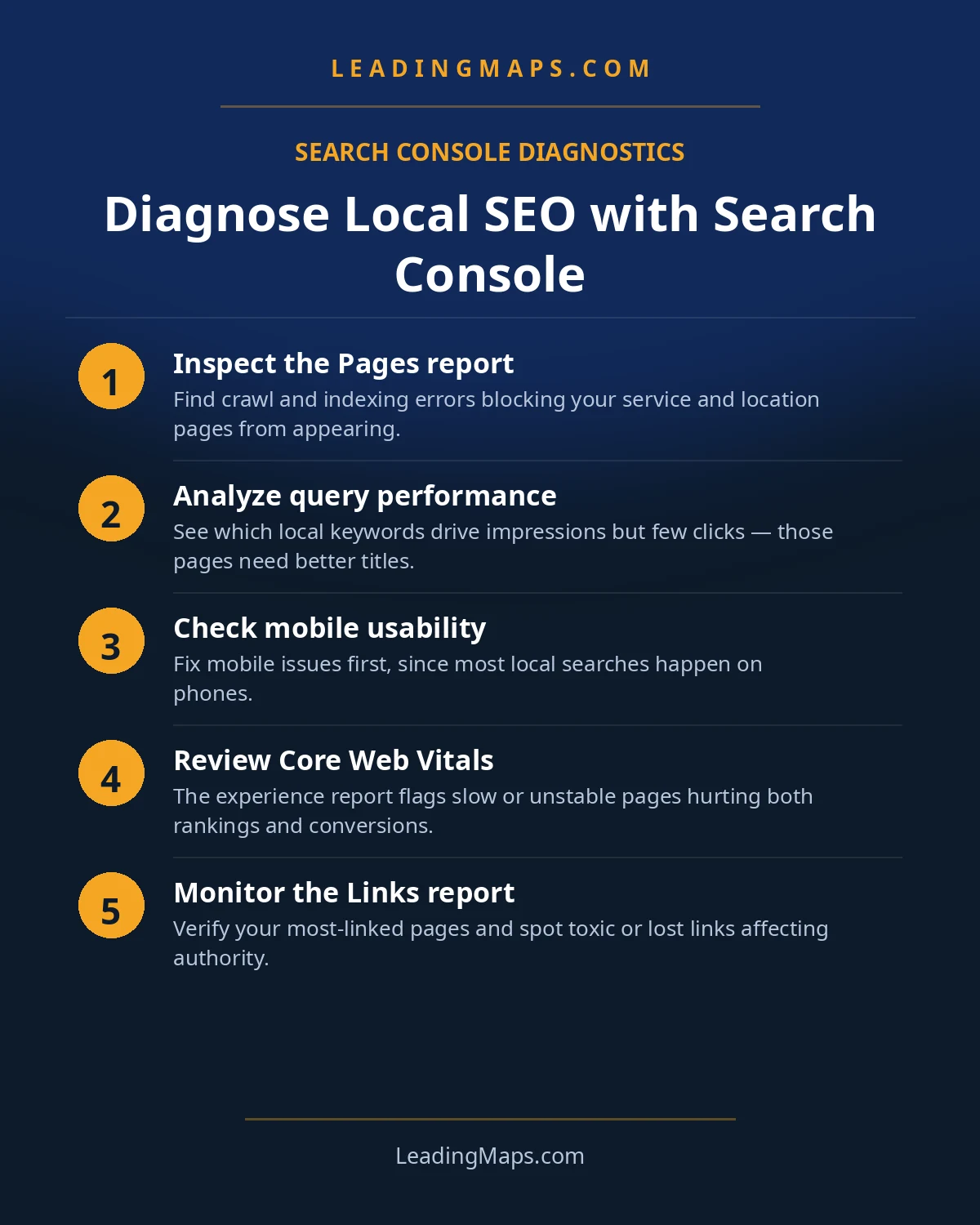
Symptom: a service page ranks and gets clicks, but calls from it are thin. Where to click: Core Web Vitals (under Experience), filtered to mobile, then cross-reference with the Pages tab in Performance to find your call-heavy URLs.
What the evidence means: most contractor searches happen on phones, in driveways and under sinks. A page that loads slowly, shifts layout while the thumb is moving, or buries the phone number below three screens of text will lose the call to a competitor whose number is one tap away. Speed and layout problems are invisible in ranking reports and brutal in call logs.
The fix: prioritize your top five call-driving pages. Compress images, kill the slider, and put a tappable phone number above the fold on mobile. Re-test after the change. This check is unglamorous, which is exactly why it is usually the one that moves the needle.
The Monthly 30-Minute Routine
Put the six checks on a calendar, same day each month:
- Indexing: any new pages unindexed? Any coverage errors?
- Queries: top 20 queries by impressions, filtered by your cities. Buyers or DIYers?
- CTR: money pages under 2% CTR get a title rewrite candidate.
- Cannibalization: spot-check your top 5 money queries for competing URLs.
- Generative AI: which pages earned AI impressions this month, and did classic CTR slide alongside?
- Export: download the month's queries and pages. Sixteen months of history disappears fast; your spreadsheet does not.
One change per month, chosen from this list, measured the next month. That discipline beats every dashboard.
Search Console Questions, Answered.
Usually intent mismatch. Open the Queries tab filtered to that page: if the impressions come from DIY or informational queries, your page ranks for researchers, not buyers. Rewrite titles and intros to name the service and the city explicitly, and let the queries tell you what searchers actually want.
In the Performance report, filter by a money query and check the Pages tab: if two or more of your URLs rank for the same query, they are cannibalizing each other. Keep the strongest page, fold the others into it with redirects or distinct topics, and recheck after a month.
Yes. Google rolled out dedicated Generative AI performance reports worldwide in August 2026, showing impressions inside AI Overviews, AI Mode, and generative Discover by page, country, device, and date. They do not include clicks or queries yet, so treat the report as a directional signal, not a scoreboard.
Sixteen months. That covers a full seasonal cycle, which is exactly what trade businesses need for year-over-year comparisons, but it means you lose anything older. Export your key queries and pages quarterly so your history does not depend on Google keeping it for you.
This is click-through erosion, not a ranking problem. AI Overviews and other SERP features now answer many queries above the results, so the same position earns fewer clicks. Compare your CTR trend against the Generative AI report, then win the clicks you can with stronger titles, FAQ results, and review stars.
Found The Symptom, Need The Fix?
Profile, Maps rankings, citations, reviews, competitors, plus whether AI assistants recommend you. A prioritized action plan, free, no pitch.
- AI visibility check, real homeowner prompts across ChatGPT, Perplexity, and AI Overviews, who gets named.
- Proposal scorecard, what your current or prospective agency should be doing, item by item.
- Competitor gap analysis, what the top 3 in your market are doing that you're not.
Get My Free SEO Audit
Delivered within 48 hours. Yours to keep.