Every week a contractor calls us with the same sentence: "We're not showing up on Google Maps." And every week, the first thing we do is ask which version of the problem they have, because "not showing up" describes at least three completely different situations, each with its own cause and its own fix.
The checklists ranking for this topic all give you the same generic hygiene list: verify your listing, fill out your profile, get reviews. That advice is not wrong, but it skips the step that actually matters: diagnosis. Running relevance fixes on a suspended listing is like tuning an engine that has no fuel. So before touching anything, find your branch below.
On This Page
The Diagnostic Decision Tree
Open an incognito window and run two searches: your exact business name, and your main service with a location ("plumber austin" or "plumber near me", but note where you are physically searching from). The combination of results tells you which branch you are on:
- Name search shows nothing → Google does not have a live listing for you. Branch 1.
- Name search works, service search does not → you exist but cannot compete on relevance or prominence. Branch 2.
- You show in your home town but not the next one over → a distance and prominence problem. Branch 3.
- You were there last week and now you are gone → almost certainly a policy action. Branch 4.
Each branch below has its own fix. Do not skip ahead to "get more reviews" if you are in Branch 1, reviews cannot fix a listing Google has removed.
Branch 1: Not Found Even By Name
If Google cannot find your business by its exact name, the listing is missing, unverified, suspended, or buried under a duplicate. Check in this order:
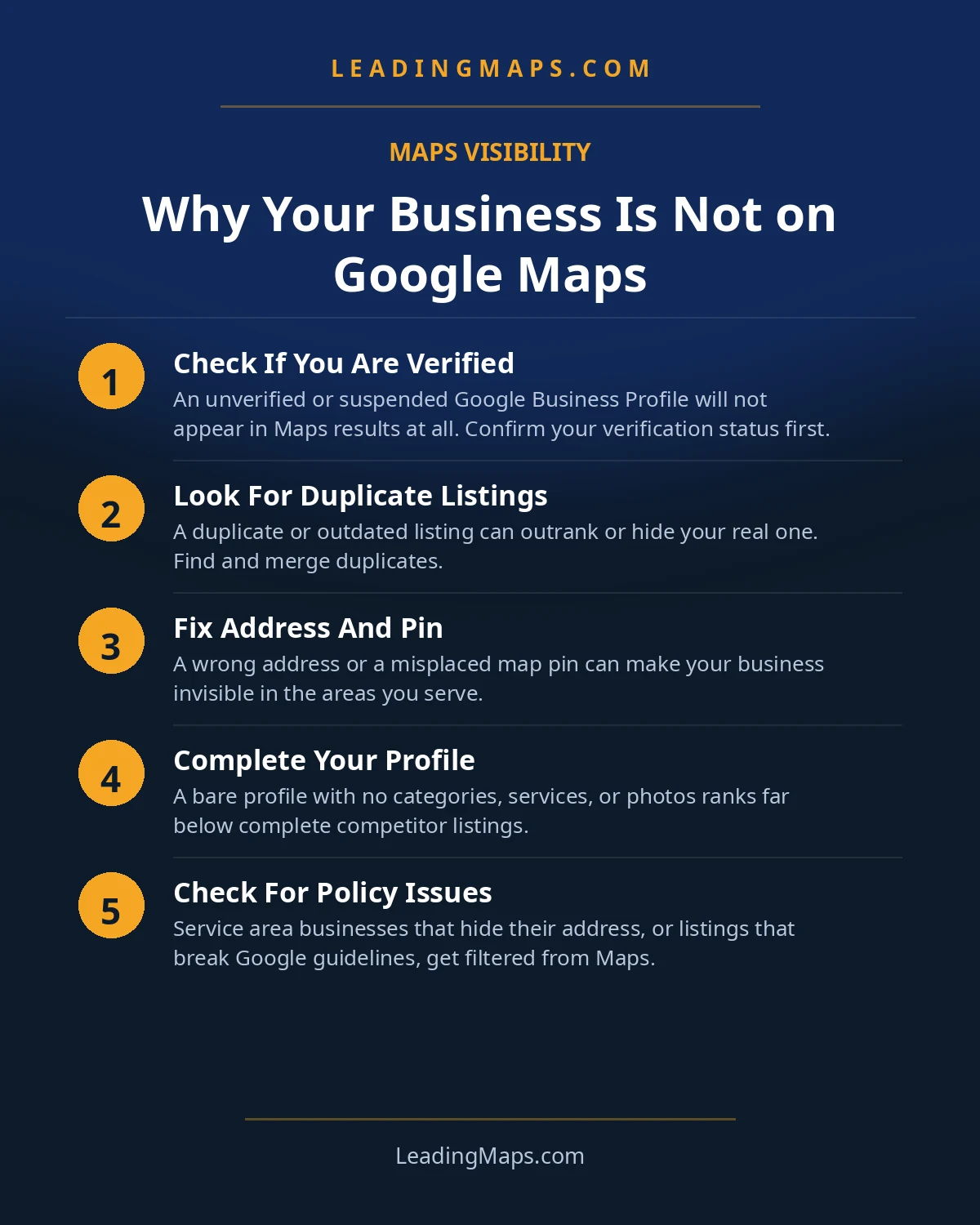
- Is it verified? An unverified listing can exist without showing publicly. If you claimed the profile but never finished verification, usually a postcard, phone call, or video, finish it now. No verification, no visibility.
- Is it suspended or disabled? Check your Business Profile dashboard for a suspension notice. Suspensions for trades most often come from address violations (virtual offices, UPS store addresses, PO boxes) or business-name keyword stuffing. A suspension is a policy action: you fix the violation first, then request reinstatement.
- Is there a duplicate? Search your business name plus your phone number. Old listings from a previous address, a listing a lead-generation site created in your name, or a franchise dealer page can all exist alongside yours, and sometimes the duplicate is the one Google shows while yours sits in limbo. Remove or merge duplicates so every signal points at one listing.
- Is it an eligibility problem? Purely online businesses, businesses at addresses that do not exist, and businesses in prohibited categories do not qualify for a listing at all. A home-service business with a real operating address qualifies, as a service-area business, with the address hidden if customers never visit.
If you were previously listed and vanished, skip to Branch 4, that is a different problem with different urgency.
Branch 2: Found By Name, Invisible For Services
This is the most common branch, and the one the generic checklists actually describe. Your listing exists, but when someone searches "plumber near me" or "HVAC repair [city]," you are nowhere in the top three, or nowhere at all. This is a relevance and prominence problem, not an existence problem.
Run this order of operations:
- Categories first. Your categories decide which searches you are eligible for. A plumber with only "Plumber" as a category will not surface for drain, sewer, or water-heater searches. Audit your primary and secondary categories against the searches you want, this one fix resolves more "invisible" cases than anything else.
- Then the services list and description. If your profile's services section is empty or generic, Google has little to match against specific searches. List every service you actually offer, in the customer's language.
- Then reviews. Not just the star rating, velocity, recency, and whether reviews mention actual services. A competitor with half your total reviews but a steady stream of recent ones will outrank you. Respond to every review; it is the cheapest activity signal available.
- Then citations and your website. Inconsistent name, address, and phone data across the web quietly erodes trust. And if you have no dedicated pages for your core services and cities, Google has nothing to match service searches against. This is the long game, and it is the one that compounds.
The full ranking playbook, including the grid-tracking method that proves your positions are real, is in how to rank higher on Google Maps.
Branch 3: Shows In One Town, Not The Next
You rank fine near your shop, but twenty minutes away a competitor owns every search. This feels broken, but it is Google working as designed: distance from the searcher is a core ranking factor, and a competitor with a real location in that town starts with an advantage.
What actually works for neighboring towns:
- Prominence, not a bigger service-area circle. Widening your service area does not extend your ranking radius. Reviews from customers in that town, a dedicated page for that town on your website, and local links and mentions from that town do.
- A real presence beats a fake one. If you genuinely serve a town, real jobs, real customers, say so everywhere: reviews, pages, posts. What you must not do is rent a virtual office or UPS address there to fake a location. That is a suspension waiting to happen, and a suspended listing ranks nowhere.
- Measure it honestly. A single rank check from your office tells you nothing about the next town. Grid tracking, scanning your position from points across your whole service area, shows exactly where you are competitive and where you are not, so the work goes where it pays.
Branch 4: Gone Overnight
Rankings decline gradually. Disappearances happen overnight. If your listing was there last week and is gone now, treat it as a policy action until proven otherwise:
- Check the dashboard first. Suspended and disabled listings usually say so. Do not guess, look.
- The usual suspects for trades: address violations (virtual office, coworking space without permanent signage and staffed hours, UPS store), keyword stuffing in the business name ("Apex Plumbing, Best Emergency Plumber Austin Cheap"), and service-area businesses displaying an address they should have hidden.
- Fix first, appeal second. Reinstatement requests get denied when the violation is still in place. Correct the address, clean the business name down to your real legal or DBA name, remove duplicates, then submit. Document everything with photos of real signage if you have a physical location.
- Do not create a replacement listing. It will be flagged as a duplicate, and now you have two problems.
A note on timing: reinstatement is not instant, and there is no public SLA. The fastest recoveries we have seen come from clean, well-documented first submissions, every back-and-forth adds days.
Trade-Specific Visibility Quirks
Home-service businesses hit visibility problems that a dentist or a boutique never sees. A few worth knowing:
- The category trap. Google's category list is built for every industry, so the right choice is not always obvious. "Emergency Plumber" exists as a category separate from "Plumber", and if you do emergency work but never added it, you are invisible for the highest-intent searches in your trade. The same pattern repeats across trades: "Furnace Repair Service" versus "HVAC Contractor," "Drainage Service" versus "Plumber." Audit categories against the searches that carry the ticket, not just the trade name.
- Service-area business settings. Most contractors should hide their address, customers come to them, not the other way around. But hiding the address on a listing that Google believes is a storefront, or showing a home address you are uncomfortable publishing, both create problems. Set the business type honestly: service-area business, address hidden, service area set to the towns you actually serve.
- Duplicates from the lead-gen ecosystem. Home services live inside a lead-generation machine, directories, franchise networks, manufacturer dealer locators, and those sites routinely create or claim listings in your name. A duplicate siphons reviews and confuses Google about which listing is real. Search your business name and phone number periodically, and consolidate.
- The name-stuffing penalty. Trades are the worst offenders at stuffing keywords into the business name, because "it worked in 2018." It does not work now. Your listing name must be your real business name. The keywords belong in your categories, services, and website, that is where they help instead of hurting.
- Review filtering after a burst. Asking for reviews is essential, but a sudden flood, say, forty reviews in a week after none for a year, can trigger filtering, and filtered reviews do not count toward your visible total. Steady beats spiky: a few reviews a week, every week, tied to completed jobs.
When AI Engines Can't Find You Either
Here is the part none of the troubleshooting checklists mention. Homeowners are increasingly asking ChatGPT, Gemini, and Perplexity, not Google, "who's a good plumber near me." Those assistants do not query Google's map pack. They read business data: your profile, your citations, your reviews, and the structured data on your site.
The implication cuts both ways. If your data is broken enough to hide you from Maps, inconsistent NAP, a suspended listing, duplicates splitting your reviews, the AI layer cannot see you either. Fixing your Maps presence is the foundation for AI visibility, not a separate project.
But the reverse is also true: fixing Maps does not automatically make you the AI recommendation. Assistants weight recency and specificity in reviews, structured and quotable content on your site, and consistent entity data across the web. A competitor ranked #5 on Maps with cleaner data can get named by ChatGPT over the #1. The work overlaps heavily, entity consistency, review velocity, citations, schema, with one addition: monthly prompt testing across the assistants to see who actually gets recommended. That is the layer almost no contractor is watching, which is exactly why it is worth watching. Our AEO and LLM optimization work starts with the Maps foundation and builds from there.
That is how fast our free audit tells you which branch you are on: suspension risk, duplicates, category gaps, review gaps, and whether AI assistants can find you at all. No other troubleshooting checklist offers one.