Open your Google Business Profile dashboard, click Performance, and you get a wall of numbers: views, searches, calls, direction requests, website clicks, bookings. Most owners glance at the biggest number, feel good or bad, and close the tab. That is a waste of the best free market research in your business.
Read properly, the Performance tab tells you how customers find you, what they want, and where your profile leaks money between the view and the call. Read like a marketer, every metric looks equal. Read like a shop owner, a few metrics carry the whole story and the rest is context. This guide is the shop-owner reading, tuned for service-area trades, with the freshness notes and the blind spot nobody else mentions.
On This Page
- What the Performance dashboard actually shows
- Calls: the only metric that is revenue
- Branded vs discovery: the growth split
- Views to actions: your conversion math
- Direction requests: noise for service-area trades
- The search query goldmine
- The 6-month history trap
- Stale metrics: what no longer exists
- The AI blind spot your dashboard hides
- FAQ
What The Performance Dashboard Actually Shows
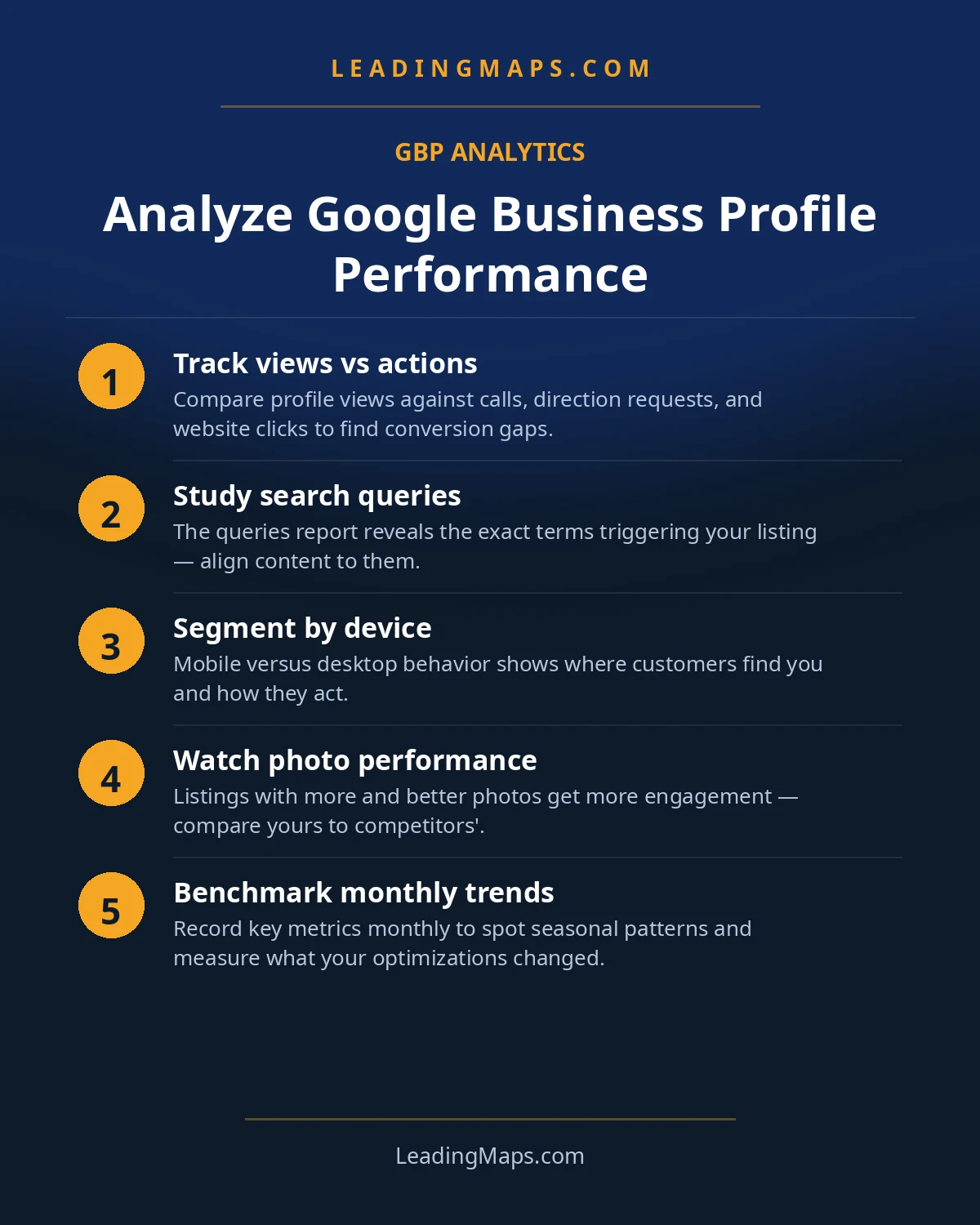
Google's official Performance documentation defines the metrics precisely, and it is worth knowing the counting rules before you interpret anything. Views count how often your profile was seen, split between Search and Maps. Searches break into branded (your business name) and discovery (category or service terms). Interactions cover the actions: calls, website clicks, direction requests, bookings, and messages where available. Refresh cadences differ: calls and clicks update frequently, views and query data aggregate monthly, and the visible history runs about six months.
The most common misreading is treating all of this as one score. It is not. It is a funnel: searches lead to views, views lead to actions, actions lead to jobs. Each stage answers a different question, and the diagnosis lives in the transitions between them.
For a service-area trade, one metric sits closest to revenue: the tap on the call button. Optimize the dashboard reading around it and everything else falls into place.
Calls: The Only Metric That Is Revenue
A homeowner who taps call is a job in progress. Nobody calls a plumber to browse. So calls per month is your headline number, and its trend is your business health in one line. Track three things: total calls per month, calls per discovery view (your conversion rate from being seen by strangers), and the direction of travel over the months you have.
When calls drop, resist the urge to stare at views first. A call drop with steady views is a conversion problem: your reviews slipped, a competitor's listing looks better, your photos went stale, your hours show closed when you are open. A call drop with falling views is a visibility problem: you lost ranking ground, a filter caught you, or seasonality shifted. The pair tells you where to look, which is the entire point of reading the dashboard instead of just reading the top number.
One practical note: compare calls against your actual booked jobs, not just against last month. If the dashboard shows 80 calls and you booked 12 jobs, either your intake is leaking or the calls are low quality, wrong numbers, price shoppers, out-of-area. The dashboard cannot tell you which. Your call log can.
Branded Vs Discovery: The Growth Split
Branded searches are people who already know your name: past customers, referrals, people who saw your truck. Discovery searches are strangers typing "plumber near me," "AC repair," "roof leak repair." Both matter, but only one measures growth.
Rising discovery with flat branded means your visibility is genuinely expanding: new people are finding you through the map pack. Rising branded with flat discovery means your reputation is growing but your reach is not: referrals and repeat business, which is lovely, but it will not fill next quarter's schedule on its own. Falling discovery is the early warning that matters most, because it shows up in the dashboard weeks before it shows up in the call log.
The ratio also tells you what kind of business you are building. A 70 percent branded profile is a referral business with a Google presence. A 70 percent discovery profile is a visibility business that lives or dies on the map pack. Neither is wrong, but they need different strategies, and the dashboard is how you know which one you are.
Views To Actions: Your Conversion Math
Views are attention. Actions are intent. The ratio between them is your profile's conversion rate, and it is the most underused number in the dashboard. A profile with 5,000 monthly views and 50 calls converts at 1 percent. A profile with 2,000 views and 80 calls converts at 4 percent. The second business is winning with less than half the visibility, because its listing closes.
When views rise and actions stay flat, do not chase more views. Fix the first impression: review count and rating against the competitors shown beside you, the cover photo, whether your services list answers the searcher's question, whether your hours and attributes look current. Homeowners compare three listings in seconds. The one that looks alive and specific gets the tap.
Website clicks deserve a trades-specific read. For emergency services, a click instead of a call often means the homeowner wanted a price or a credential check before calling. Make sure the page your profile links to answers that in ten seconds: services, service area, phone number above the fold. A click that bounces is a call you almost had.
Direction Requests: Noise For Service-Area Trades
Here is where the generic guides mislead you. Every GBP analytics walkthrough treats direction requests as a meaningful engagement metric, because for a restaurant or a retail store, someone requesting directions is someone about to walk in. For a service-area plumber whose customers never visit, direction requests are nearly meaningless. They are noise, and optimizing for them is optimizing for nothing.
Worse, direction requests on a hidden-address profile can indicate confusion: someone trying to find a shop that does not take walk-ins. If your direction numbers are oddly high, check that your service-area settings are honest and your profile clearly communicates that you come to the customer. Then ignore the metric and watch calls.
The general principle: weight every dashboard metric by whether it can produce a job for your business model. Calls, yes. Website clicks, yes, with the bounce caveat. Bookings, yes, if you take them. Direction requests, no. Photo views, interesting for engagement, irrelevant for revenue. Read the dashboard through the filter of your truck, not a marketer's template.
The Search Query Goldmine
The most valuable section of the dashboard is the one most owners never open: the actual search terms people typed before finding you. This is unfiltered customer language, and it is a content strategy handed to you for free.
- Sort queries by volume. The top discovery terms are your true money keywords, regardless of what your keyword tool said. If "water heater install" outranks "plumber" in your queries, your content and services list should reflect that.
- Hunt for queries you do not serve well. "Tankless water heater repair" appearing monthly with no matching service page is a gap with a dollar value attached. Each gap is a page to build or a service to add to the profile.
- Watch for town names in queries. "Plumber Richardson" showing up means that town is searching for you specifically. That is the signal to build the town page and steer reviews from customers there.
- Note the phrasing, not just the terms. "AC not blowing cold air" is how homeowners actually talk. That phrasing belongs in your Q&A, your FAQ pages, and your review request scripts, because it is also how they talk to AI assistants.
Do this monthly. Query patterns shift with seasons, "furnace repair" in October, "AC tune up" in April, and the dashboard shows you the shift as it happens. A contractor who reads queries monthly always knows what the market wants next. One who does not is guessing.
The 6-Month History Trap
The dashboard shows roughly six months of history, with views and queries aggregated monthly. That is enough to see a trend and not enough to keep one. The trap: you open the dashboard in October, see a dip, and cannot check whether the same dip happened last October, because last October is gone.
The fix is a five-minute monthly habit: on the first of the month, screenshot or export the key numbers, calls, discovery views, top queries, into a spreadsheet. Twelve months of that is a dataset no competitor has, because almost nobody does it. Year-over-year comparison is how you separate a real decline from seasonality, and you cannot buy that history back once it expires.
Stale Metrics: What No Longer Exists
A quick freshness note, because half the GBP guides ranking on Google are outdated. Several metrics that older walkthroughs reference no longer exist: Business Profile chat and messaging history were retired, post views and clicks were removed from Performance reporting, and the old direct versus brand versus discovery query groupings were consolidated years ago. If a guide tells you to analyze metrics you cannot find in your dashboard, the guide is stale, not your account.
Apply the same skepticism to advice, not just metrics. Anything written before 2024 is describing a different dashboard. Google's own Performance documentation is the canonical reference for what each number means today, and it is the only source that updates when Google changes the definitions.
The AI Blind Spot Your Dashboard Hides
Now the limitation no analytics guide names. Your Performance dashboard reports Google surfaces only: Search, Maps, and their placements. It shows zero about AI-driven discovery. No AI Overview citations, no ChatGPT recommendations, no Gemini or Perplexity referral visibility. A homeowner can discover you through an AI assistant, call you, book a job, and your dashboard will never record that the AI was involved.
This matters more every quarter, because the discovery share moving to AI assistants is the share your dashboard cannot see. A flat dashboard with rising revenue may mean AI discovery is filling the gap. A rising dashboard with flat revenue may mean AI answers are intercepting the customers your profile used to get. Either way, you are flying half-blind if the dashboard is your only instrument.
The fix is a second measurement habit alongside the monthly export: test the assistants directly. Ask ChatGPT, Gemini, and Perplexity your money questions the way a homeowner would, "who is the best emergency plumber near me," and record who gets named. Do it monthly, same questions, and you have an AI visibility trend line the dashboard will never give you. Our AI search guide includes the ten-query test, and our AI-search optimization service runs this as a managed protocol, because the businesses that measure the blind spot are the ones that end up owning it. For the profile side of the equation, our profile optimization checklist keeps the foundation the assistants read from in shape.
Performance Data Questions, Answered.
For service-area trades, it is calls. Calls are the metric closest to revenue: a homeowner who taps call is a job in progress. Track calls per month, calls per discovery view, and the trend direction. Everything else in the dashboard is context for understanding and improving that one number.
Branded searches come from people who already know your business name; discovery searches come from people searching a category, product, or service, like plumber near me. Discovery is the growth metric: it measures new customers finding you. Rising discovery with flat branded means your visibility is genuinely expanding.
About six months for most metrics, with views and queries aggregated monthly and calls and clicks updated more frequently. The practical consequence: export or screenshot your numbers monthly, or the history disappears. You cannot diagnose a year-over-year trend from data Google no longer shows you.
Because visibility and conversion are different problems. Rising views with flat calls usually means a weak first impression: low review count, poor photos, missing services, or a competitor's listing simply looking more trustworthy. Fix the profile's conversion elements before chasing more views.
No. The Performance dashboard reports Google surfaces only: Search, Maps, and related placements. It shows nothing about ChatGPT, Gemini, or Perplexity recommendations, even though those increasingly drive discovery. Measure AI visibility separately by testing assistants with real homeowner search questions each month.
Turn Your Dashboard Into A Fix List.
We read your Performance data against your market, find where the funnel leaks, and check whether AI assistants recommend you. Free, no pitch.
- Performance data read, your calls, discovery split, and conversion math diagnosed.
- AI visibility check, real homeowner prompts across ChatGPT, Perplexity, and AI Overviews, who gets named.
- Competitor gap analysis, what the top 3 in your market are doing that you're not.
Get My Free SEO Audit
Delivered within 48 hours. Yours to keep.